- 7 Posts
- 911 Comments
If it runs Linux, definitely
Spectral distribution.
So close


 1·19 days ago
That’s crazy, I would never have expected that. Good to know!
Makes me wonder if Linux is playing nice with Microsoft or there is a mechanism to block device access.
This script? https://github.com/WeirdTreeThing/chromebook-linux-audio
I’m not familiar with bootc based systems but it looks like you could hack up the container spec here: https://codeberg.org/HeliumOS/bootc to build heliumOS with those changes. You would then use something like
bootc switch ...to use it.(Add a line in the docker file to install newer python and run the audio script. I’m not sure if the script requires changes for this.)
I could be way off base with this idea, I’m not sure how heliumOS expects users to install packages.
You may also be able to run the latest python docker image to run the script, but the way this script modifies system files shouldn’t work on an immutable system.
Really just a guess but since others have pointed to bios raid stuff this may be relevant:
https://wiki.debian.org/DebianInstaller/SataRaid
But also you probably want to disable raid in bios if it’s enabled.
Probably something in the bios
Locks as far as windows will not be happy that you changed them. If you’re getting rid of windows don’t worry about shutting down safely.
Copying the whole image onto the device file will rewrite the partition table, boot flags and all.
But yes, usually this requires root equivalent capabilities.
🤣 damn I would’ve been looking for a new image to flash at that point.
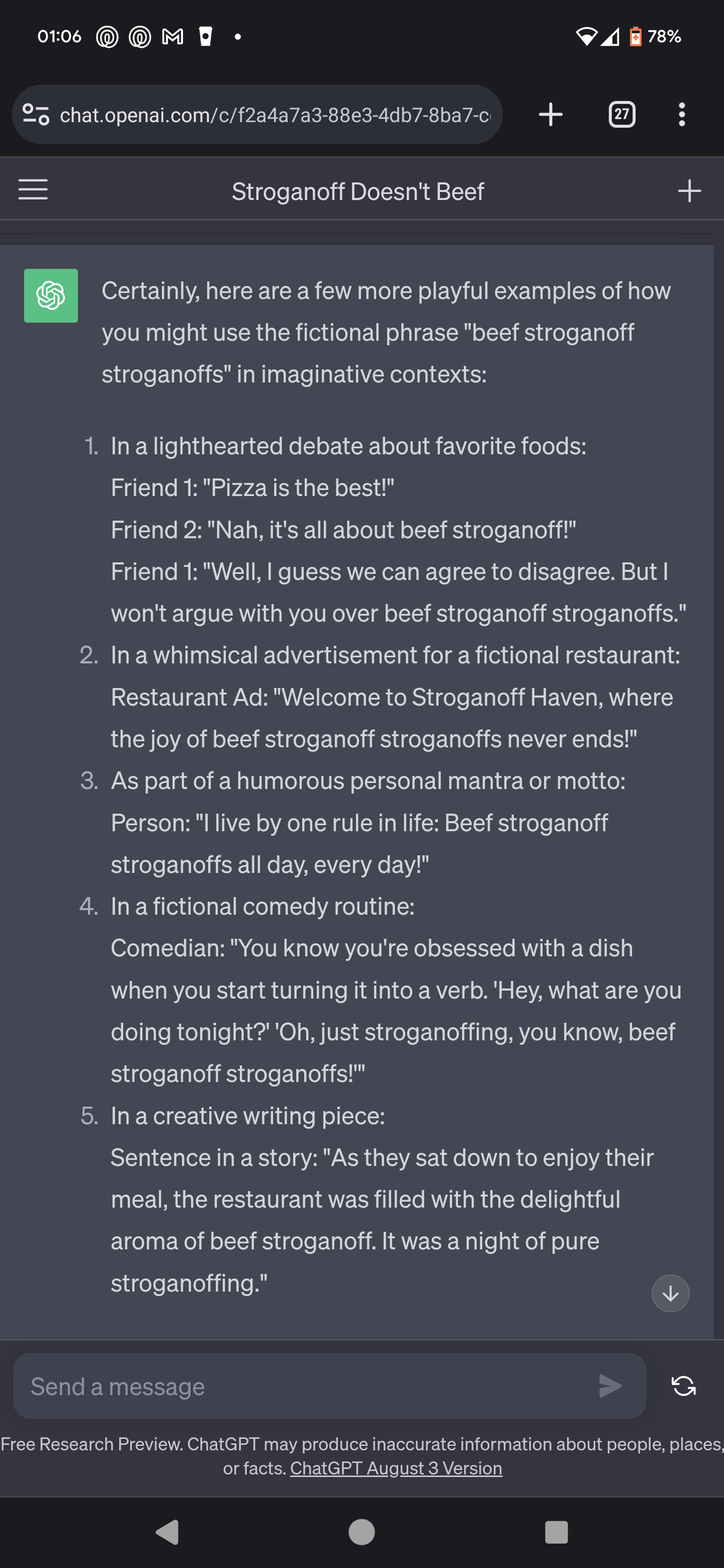
I’m glad chatGPT didn’t brick your system.
Where’d you get the audio setup script?
The sad state of my phone’s display
So shouldn’t you mount your home partition on /var/home instead?
 21·26 days ago
Excellent!
I was grepping chromium’s code looking for anything like Firefox 's webcompat plugin a few days ago. Lmk if you need any support finding evidence in source code.
 5·26 days ago
Beware the left handed screws, they’re around but rare. My last encounter was inside a vacuum cleaner motor assembly.
Probably a fox

Can we just not use metaphor for everything? It’s like building a new car only out of old parts people are familiar with. 😹
 11·1 month ago
But it does rebuild all the libraries every time does it not?





Sleep.
Then all the projects!!!